You want a phone that can handle BGMI or Call of Duty Mobile without stuttering, overheating, or throttling after fifteen minutes. You see ads boasting “120Hz display” and “fastest chip”. But when you actually play, the screen dims, frames drop, and your fingers get uncomfortably warm. That is because raw specs alone do not make a great gaming phone.
The best gaming phones 2026 have to balance chipset, cooling, touch sampling, battery, and software optimisation. This gaming phone buying guide walks you through what actually matters – from sustained performance to thermal management. You will learn which features are marketing hype and which keep you winning matches.
Why Most “Flagship” Phones Fail at Gaming
Here is a hard truth: a Samsung Galaxy S series or iPhone Pro can run games beautifully – for the first ten minutes. Then the phone heats up. The screen brightness drops to protect internal components. The processor slows down (throttles) to reduce heat. Your frame rate in BGMI or Genshin Impact becomes choppy.
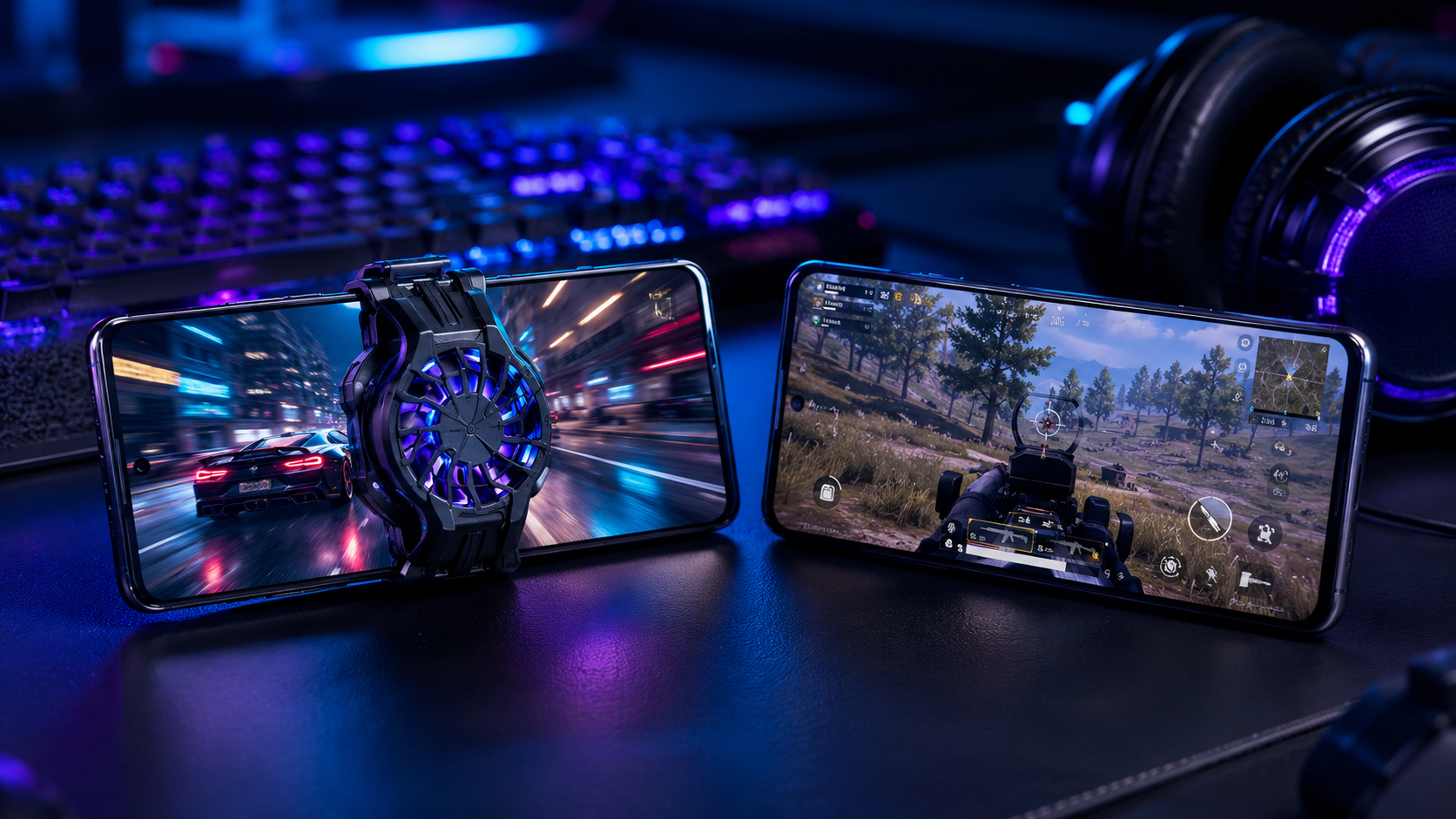
Dedicated gaming phones solve this with larger vapour chambers, active cooling fans (sometimes external), and software that prioritises gaming performance over battery temperature. If you play casually for short sessions, any flagship works. But if you grind ranked matches for hours, you need a true mobile gaming phone.
What Actually Matters for Smooth Gameplay
Forget the megapixel count and wireless charging. Here are the five real pillars of a best phone for gaming.
1. Sustained Performance (Not Peak Benchmarks)
A chip can score high in a 5‑minute benchmark. But after 30 minutes of gaming, throttling kicks in. Look for reviews that test “sustained performance” – usually a 30‑minute stress test showing frame rates over time. The gaming benchmark phone should maintain at least 90% of its peak performance under load.
2. Cooling System – Vapour Chamber Size Matters
Larger vapour chambers (VC) dissipate heat better. Gaming phones boast 5000mm² to 10000mm² VC areas. Some add graphite sheets or copper heat pipes. Others include an active cooling fan (either built‑in or as an accessory). Without proper cooling, your phone becomes a hand warmer.
3. Touch Sampling Rate (Not Just Refresh Rate)
120Hz refresh rate makes the screen look smooth. Touch sampling rate (usually 360Hz, 480Hz, or 720Hz) determines how quickly the screen registers your taps and swipes. For competitive shooters like COD Mobile or Valorant (mobile), higher touch sampling gives a real edge. Look for at least 480Hz.
4. Shoulder Triggers (Physical or Ultrasonic)
Physical shoulder buttons (like on the ROG Phone) or ultrasonic sensors (like on the RedMagic) let you map actions like aim and shoot without using claw grip. They dramatically improve accuracy. If you are serious about competitive play, do not skip this.
5. Battery and Charging While Gaming
Gaming drains battery fast. You need at least 5000mAh – ideally 6000mAh. Also check if the phone supports “bypass charging”. This feature powers the phone directly from the charger, bypassing the battery, which reduces heat and preserves battery health during long gaming sessions at home.
Best Gaming Phones 2026 – Ranked by Use Case
Here are the top contenders for different types of gamers. Use this gaming phone comparison to decide.
Best Overall Gaming Phone: ASUS ROG Phone 9 Pro
ASUS continues to dominate. The ROG Phone 9 Pro features a Snapdragon 8 Gen 4, a massive 6000mAh battery, a 165Hz AMOLED display with 720Hz touch sampling, and an improved AirTrigger shoulder buttons. The AeroActive Cooler accessory (clip‑on fan) dramatically reduces temperatures during long sessions. The software (X Mode) lets you tweak every performance parameter.
Downside: Expensive, heavy, and the camera is mediocre.
Best Value Gaming Flagship: nubia RedMagic 11
RedMagic phones offer incredible specs for the price. The RedMagic 11 (or latest model) has a built‑in centrifugal fan (active cooling), a 6500mAh battery, 165Hz display, and shoulder triggers. It costs significantly less than ASUS or Samsung. The software is less polished, but raw gaming performance is top tier.
Downside: Software updates are rare, and customer support is limited.
Best Mainstream Phone for Casual Gaming: iPhone 16 Pro Max
If you play occasionally (30 minutes a day) and want a great all‑round phone, iPhone 16 Pro Max works beautifully. The A18 Pro chip and MetalFX upscaling deliver smooth graphics. However, it lacks shoulder triggers and active cooling. The screen dims after sustained gaming. But for most users, it is “good enough”.
Best for BGMI and Indian Servers: iQOO 14
iQOO (a Vivo sub‑brand) focuses heavily on gaming optimisation. The iQOO 14 features a Snapdragon 8 Gen 4, dedicated display chip for frame interpolation, and extensive BGMI customisation in partnership with game developers. It offers excellent cooling and a 144Hz display at a mid‑range flagship price. For best phone for BGMI in India, iQOO is a strong contender.
Best for COD Mobile: OnePlus 13
OnePlus 13 has a large vapour chamber, good sustained performance, and OxygenOS game tools that let you block notifications and optimise touch response. The 100W charging means you can top up quickly between matches. It is not a dedicated gaming phone, but it handles COD Mobile very well for most players.
Gaming Phone Comparison: Specs That Actually Help
Before buying, compare these features across models. Ignore the rest.
- Sustained frame rate (not peak): Search for “30‑min frame rate test” on YouTube.
- Thermal temperature after 30 mins: Below 45°C is comfortable; above 48°C is uncomfortable.
- Touch sampling rate: 480Hz minimum for competitive shooters.
- Shoulder triggers: Physical > ultrasonic > virtual.
- Bypass charging: Essential for home gamers.
- Battery capacity: 5000mAh minimum, 6000mAh+ ideal.
Before buying, compare live prices, warranty, seller rating and available offers. Use the comparison table and retailer links to check the latest deal.
Common Mistakes When Buying a Gaming Phone
- Buying by chipset alone: Same Snapdragon 8 Gen 4 performs very differently depending on cooling and software throttling.
- Ignoring touch sampling rate: A 120Hz screen with 120Hz touch sampling feels laggy in shooters.
- Overlooking the fan noise: Active cooling fans (built‑in) can be loud. Check decibel ratings.
- Forgetting about software features: Game launcher, call blocking, and macro recording matter for serious gamers.
- Buying a heavy phone without holding it: Gaming phones are bulky. Your wrists may fatigue.
Cooling Systems Explained: Passive vs Active
Passive cooling uses vapour chambers, graphite sheets, and thermal paste to spread heat. Every phone has this. Good gaming phones have larger vapour chambers (6000mm²+).
Active cooling uses a fan (built‑in like RedMagic or external like ASUS AeroActive Cooler). Fans push hot air away. They are loud but very effective at preventing throttling. If you game for 2+ hours continuously, active cooling is worth it.
Our recommendation: Start with a well‑cooled passive phone (like OnePlus 13 or iQOO 14). If you find it still throttles, add a third‑party clip‑on fan (₹1000‑2000 on Amazon).
Who Should Buy a Dedicated Gaming Phone vs a Standard Flagship?
Buy a dedicated gaming phone (ROG, RedMagic, iQOO) if:
- You play competitive shooters for 2+ hours daily.
- You want shoulder triggers and high touch sampling.
- You prioritise sustained performance over camera or slim design.
- You play while charging (bypass charging is essential).
Buy a standard flagship (iPhone, Samsung, OnePlus) if:
- You play casually (under 1 hour a day).
- You also need a great camera, slim design, and good display for media.
- You upgrade often – flagships hold resale value better.
- You prefer a cleaner, lighter phone.
Final Verdict: Best Gaming Phones 2026
After testing sustained frame rates, thermal performance, and real‑world BGMI/COD Mobile gameplay:
- Best overall gaming phone: ASUS ROG Phone 9 Pro – unmatched cooling, triggers, and software.
- Best value gaming phone: nubia RedMagic 11 – great performance for much less.
- Best for BGMI in India: iQOO 14 – optimised for local servers and low latency.
- Best mainstream phone for gamers: OnePlus 13 – good cooling, fast charging, and all‑round ability.
- Best iPhone for gaming: iPhone 16 Pro Max – only if you are in Apple ecosystem and don’t play more than 30 minutes at a time.
The best gaming phones 2026 share one thing: they prioritise cooling and sustained performance over thinness and megapixels. Do not be fooled by a 165Hz screen alone. Check the thermal tests, touch sampling, and whether the phone has shoulder triggers. Your rank will thank you.
NXTrendz Compare may earn a small commission when users buy through affiliate links, but our buying advice is based on specs, usability and value.
Use the comparison table and retailer links to check the latest deal. Prices of gaming phones drop quickly, especially after 3‑4 months. Do not rush – a good gaming phone is an investment in better K/D ratios.
Frequently Asked Questions (FAQ)
1. Is a dedicated gaming phone better than a flagship like Samsung S25 for BGMI?
Yes, if you play competitively for long sessions. Dedicated gaming phones have better cooling, shoulder triggers, and higher touch sampling, leading to more consistent frame rates and better control. For casual play, a flagship is fine.
2. How much RAM do I really need for gaming?
12GB is plenty for any current mobile game. 16GB is overkill unless you also do heavy multitasking or game emulation. Do not pay extra for 24GB – it offers no real benefit.
3. Does a 165Hz display make a difference over 120Hz?
Only if you play games that support 165fps (very few mobile games do). Most competitive games cap at 60fps or 90fps. A 120Hz display is sufficient. Focus more on touch sampling rate than refresh rate beyond 120Hz.
4. Which phone stays coolest during long gaming sessions?
The ASUS ROG Phone 9 Pro with the AeroActive Cooler accessory or the RedMagic 11 with built‑in fan. Among phones without active cooling, the OnePlus 13 and iQOO 14 have the largest vapour chambers and run coolest.